Appearance
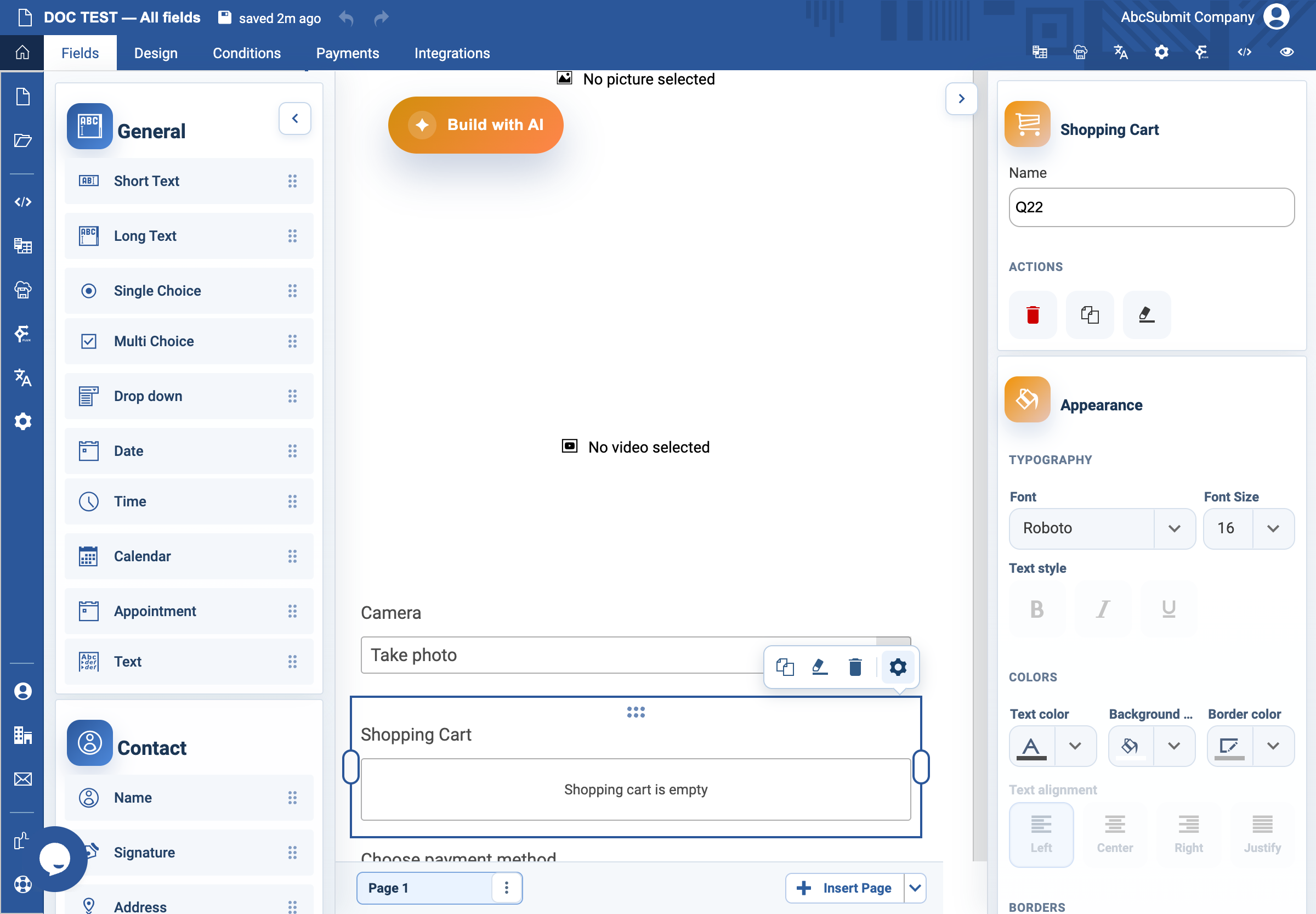
Shopping Cart field
Use Shopping Cart to show the items and totals a respondent has added.
Example: cart for an event product
- Add at least one Product or other cart-enabled item before configuring the cart.
- Select Fields > Other > Shopping Cart.
- Open Edit and choose whether to show the counter, pictures, unit type, and unit price.
- Replace Empty-state text with an instruction such as
Your selected items will appear here. - Place the cart near product selection or on the review page.
- Preview: add items, change choices or quantities where available, remove items, and confirm subtotals and totals.
Expected result
The respondent can understand what they selected and its price before submitting the payment form.